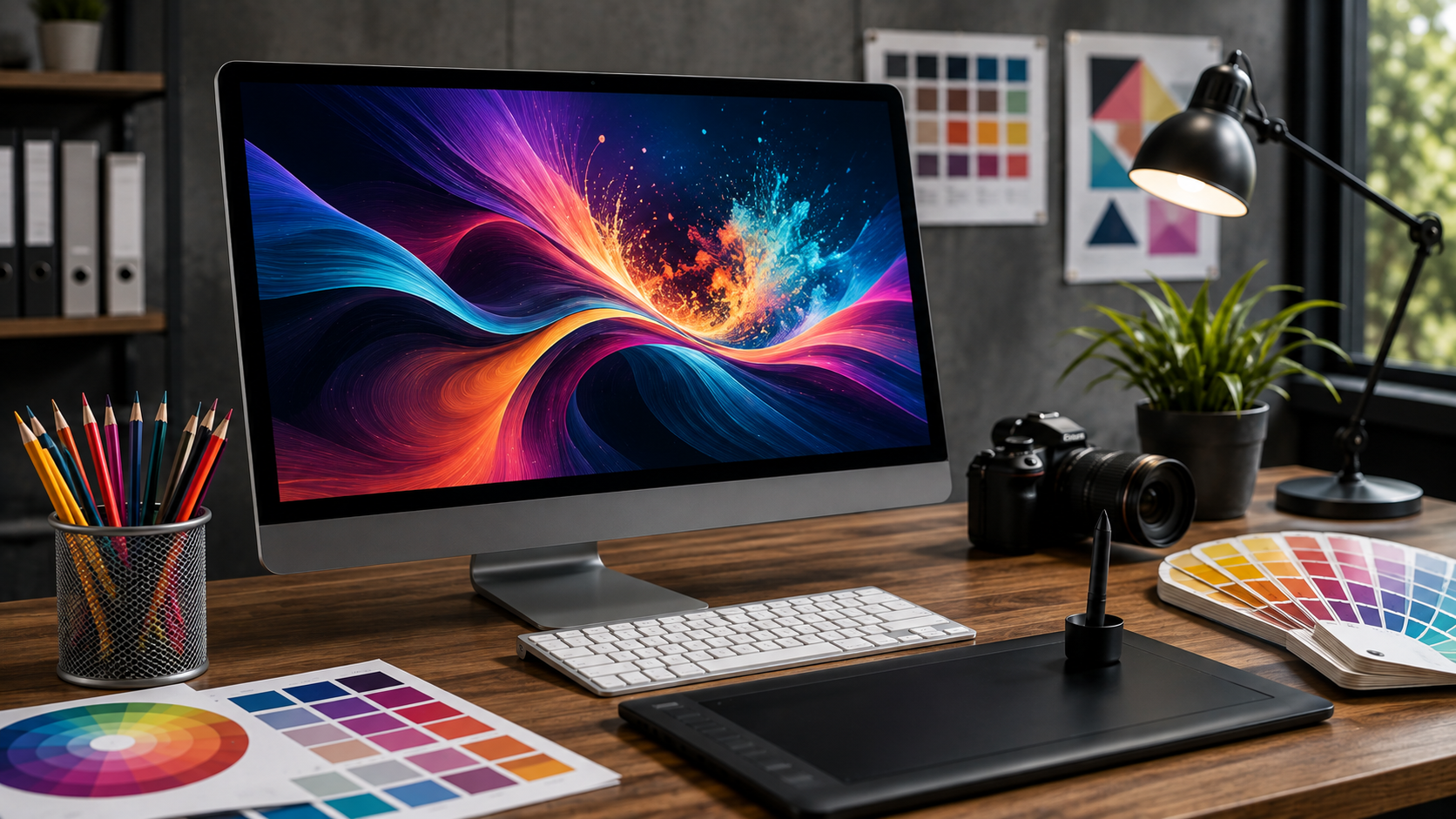
Art is a vital component of communication and marketing, branding, education, and digital media today. From social media graphics to business presentations, ads, website visuals, posters, and illustrations, having the right tools can simplify and streamline the process. This is where graphic design software is really important.
Graphic design software is a type of computer software used to create, edit, organize, and enhance visual content in a digital workspace. Designers can experiment with colors, typography, layout, images, shapes, and illustrations without having to work with only traditional materials. Such features make it possible for novices and advanced users to bring their imaginative concepts to life in visual projects.
Graphic Design Software: What is it?
Graphic Design Software These are the programs and applications used on a computer to create and edit digital graphics. The user can manipulate photographs, illustrations, logos, typography, icons, animation, layouts, and other images, depending on the program.
Various programs have different purposes. Some have a focus on photo editing; others are more comfortable with vector illustrations, page layouts, presentations or digital artwork. The selection of software is dependent on the type of project, experience of the user, and the features required.
These are some of the features that can be found in graphic design software today: layers, brushes, shapes, filters, image adjustments, typography controls, templates, and export options. These features provide designers with lots of freedom during the design process.
Graphic Design Software – How can it Make Designing More Efficient?
One of the major benefits of digital design tools is efficiency. Traditional design methods can take a lot of time if a change is to be made. Digital software can be used to manipulate individual components of a project, rather than having to recreate it.
For instance, a designer can alter a background colour, resize an image, alter typography, or move an object in just a few clicks. Many programs come with reusable templates and design elements that can save time in getting a new project off the ground.
Additional productivity tools can be found in automation. Quickly resizing graphics, applying consistent styles, arranging layers, and exporting files are some of the tasks that can be done in a short amount of time. This means that designers have more time to focus on the creative idea than on the repetition of tasks.
What Can Graphic Design Software Do For Creative Freedom?
One of the other key advantages of digital design tools is the creative freedom they allow for. Designers can try out various ideas without any fear of the physical material going to waste. A concept can be copied, changed, tried out, and compared to other concepts.
Layers are important in that they enable designers to design individual elements separately. Each of the elements can be modified without affecting the other elements; however, the background, photograph, text and illustration can be altered without changing the decorative element.
A large variety of applications also offer a wide library of fonts, shapes, brushes, patterns and effects. These resources can also be used to look for new ideas and come up with unique visual styles.
What are the Benefits of Using Graphic Design Software to Ensure Brand Consistency?
For companies that have to communicate on various channels, brand consistency is crucial. A business can require graphics for their website, social networking sites, advertising, e-mail campaigns, brochures, and presentations.
To promote uniformity, graphic design software can be utilized to permit designers to use certain colors, fonts, logos, layouts, and visual elements to be used again. When these elements are handled properly, marketing materials can retain a familiar look.
A series of branding designs can also present a business more professionally. If the same elements are used throughout the brand’s communication, it will be easier for customers to recognize the company.
What are Some of the Best Graphic Design Software for Beginners?
Graphic design software is not only useful for professional designers. Digital tools can also help to build the skills of the beginner. Many applications feature templates, guides, tutorials, drag-and-drop capabilities, and easy editing options to help get users started.
For the person starting, simple projects like social media posts, invitations, posters, or simple logos can be started. As users manipulate typography, spacing, alignment, colours, and composition, they will slowly begin to learn about the basics of design.
As they get more proficient, novices will be able to discover more advanced features like vector editing, masking, layer control, image editing, and also professional export options.
What are the Features to Look Out For in Graphic Design Software?
The best software depends on the user’s needs, but if there are a few features that will be especially helpful, that’s what they are. Intuitive navigation may be easier with a user-friendly interface, and customizable workspaces can assist experienced designers in organizing their tools.
Layer support is useful for complex projects, and good typography controls for designs with a lot of text. Vector tools are useful for graphics that need to be scaled up (like logos and icons), and some of the more advanced image-editing options come in handy for graphics based on photos.
Another major factor to take into consideration is the compatibility of the files. Designers might have to open or export a file in different formats like PNG, JPEG, SVG, PDF, or other specialized formats. Teams that have to collaborate on a shared project may find cloud storage and collaboration helpful.
How Can Graphic Design Software Enhance Digital Marketing?
Visual media is an essential part of digital marketing. Graphics are used by businesses to grab attention, explain products, convey promotions, and bolster a brand’s identity.
Marketers can use graphic design software to design banners, ads, social media images, email images, infographics, and promotional materials. The designs can be customized for various platforms and screen sizes also.
There might be multiple versions of the same visual to use in a single campaign. Digital tools allow for easier resizing and editing of designs, maintaining the overall visual identity. This versatility can help to streamline marketing processes and make them more efficient.
What Role Can Graphic Design Software Play in Collaboration?
In the modern creative project, many people are involved. A designer could collaborate with a marketing specialist, content writer, developer, manager, or client. Collaboration features can help people communicate more easily and exchange files if necessary.
Many design applications enable several users to access projects, make comments on work, view changes, and work on shared files. Cloud-based workflows can also help teams to access the latest version from anywhere.
By working together, confusion about file versions can be avoided, and feedback can be made easier. This is particularly beneficial where an agency or business is working on many design projects at once.
How to Use Graphic Design Software to Get Better Results in the Workplace?
Creating a professional look is more than just a brilliant idea. Designers also want to have control over their resolution, dimensions, colors, typography, alignment, and file formats. Graphic design software offers tools that can assist you in dealing with these technical elements.
For instance, designers can make art of a suitable scale for print-out or digital purposes. They can control the quality of the image, check each part of the image, and they can export the final design in appropriate formats.
The software isn’t the only thing that turns a design professional. Even good results are dependent upon the knowledge of composition, hierarchy, contrast, balance, and visual communication. But effective tools provide designers with more control in the use of these principles.
How to Select the Best Graphic Design Software?
The first step in selecting the right program is to determine what type of work you wish to create. A person who edits photos might require other abilities than a person who develops logos or page layouts.
Budget and experience are also important. For beginners, an application that is easy to use and comes with templates and simple controls would be ideal; for more professional users, they might want more advanced features and extensive customization options.
Additionally, consider interoperability with previous workflows. If a designer works on a regular basis with other individuals, file sharing and collaboration features may be significant. Export options and file compatibility are also factors to consider for professional projects.
FAQ
What is graphic design software used for?
Graphic design software is used to create and edit graphics, logos, ads, illustrations, social media graphics, posters, presentations, and website graphics.
Can Graphic Design Software Be Used by Beginners?
Yes. Some programs come with templates, tutorials, and basic editing tools, while also offering an easy-to-use interface for novices. Users can begin by working with simple projects and gradually learn more complicated ones.
Is it possible to use Graphic Design Software for business marketing?
Yes. It can be used in social media posts, ads, brochures, presentations, banners, promotional graphics, and more.
What makes the best Graphic Design Software?
Layers, typography controls, image editing, vector tools, templates, export options, file compatibility, collaboration tools, and customizable workspace are all key features.
Should Graphic Design Software be used by Professional Designers?
Yes. Digital design applications are used by professional designers to create more complicated illustrations, brand designs, advertisements, layout designs, digital artwork, and much more.
The question is, can graphic design software enhance productivity?
Yes. Some of the tools include reusable assets, layers, automation, templates, resizing tools, and project workflow organization, which can improve efficiency and eliminate repetitive tasks from project completion.
The Future of Graphic Design Software?
Automation, collaboration, cloud-based workflows, and intelligent creative assistance will likely be the key priorities for graphic design software in the future. New technologies can enable designers to execute repetitive tasks more quickly, and focus on their ideas while communicating a visual story.
Creativity and human judgment, however, will still be very significant. While software can give designers tools and ideas, designers should also be familiar with audiences, messages to convey, and visual decisions to make.
In conclusion, graphic design software is a valuable tool in contemporary visual communication. Whether you’re a beginner or an expert, these tools offer flexibility, efficiency, and creative control, whether you’re managing your first project or your largest branding campaign. The user will be able to create compelling and interesting visual experiences by choosing appropriate software and building design skills.